Within Survey Magnet, assessments are created for end users to complete in a variety of situations.
There are two different assessment types: Evaluations and Quizzes.
- Evaluations are used for session or general evaluations. They do not include scoring, all questions appear on the same page, and there are no correct or incorrect responses.
- Quizzes are used for conference or session-specific quizzes. They include scoring options, correct and incorrect responses, and linear navigation.
In addition, there are two assessment sub-types, which control whether the quiz or evaluation repeats per session or per user. If General is selected, the assessment will appear once per attendee. If Session is selected, the assessment will appear once per session.
First, select the Assessments icon from the top of the page in the Survey Magnet administrative dashboard to open the Assessments page (Fig. 1).
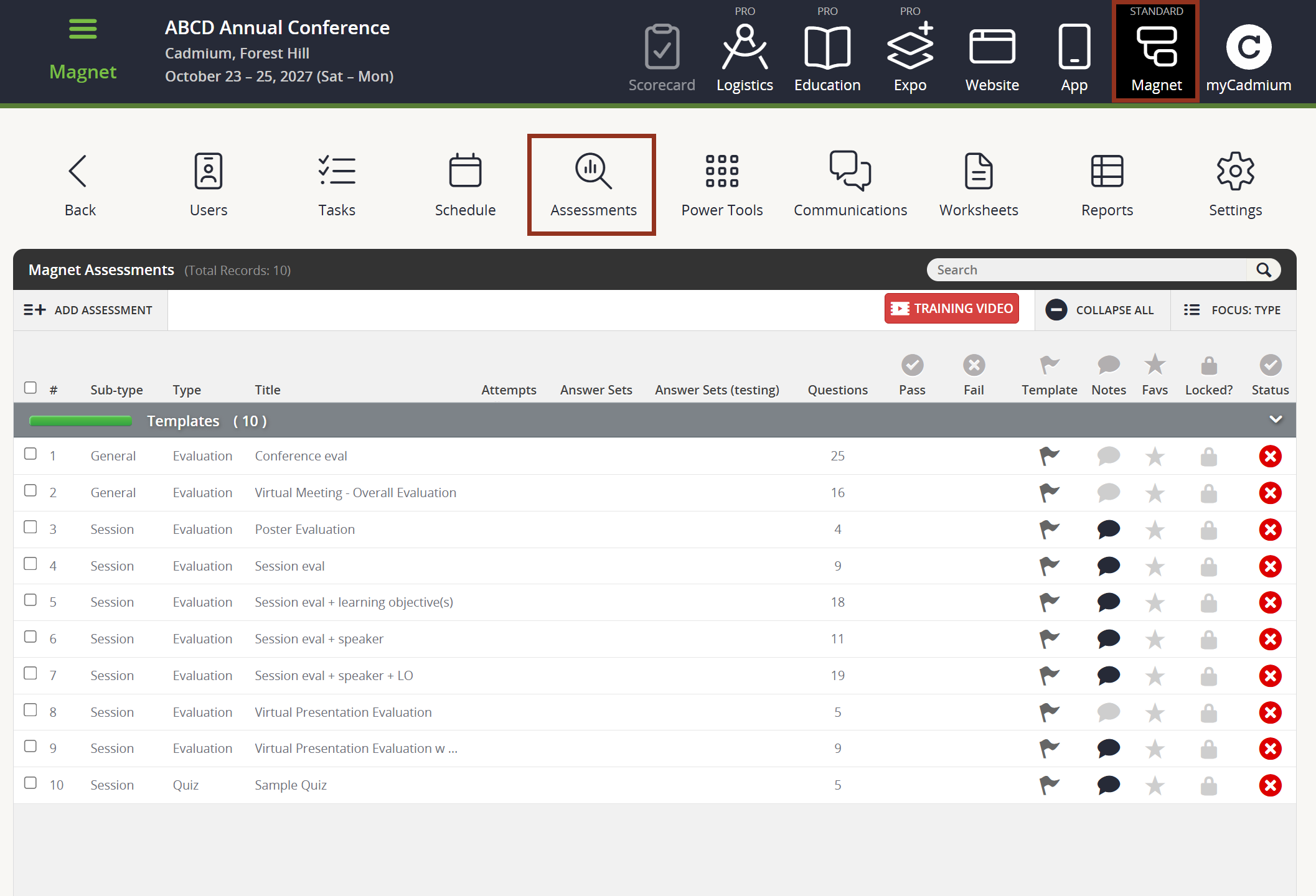
Fig. 1 - Assessments Page.
Was this article helpful?
That’s Great!
Thank you for your feedback
Sorry! We couldn't be helpful
Thank you for your feedback
Feedback sent
We appreciate your effort and will try to fix the article