Once you have completed all four steps in the campaign editor and reviewed your campaign on the Review and Test step, you are ready to send.
How to send
- Click the ‘Send Campaign’ button in the top-right corner of the campaign editor (Fig 1), or at the bottom of the page in the ‘Review and Test’ section of the campaign builder.
- The campaign will be sent immediately to all recipients in your selected group.
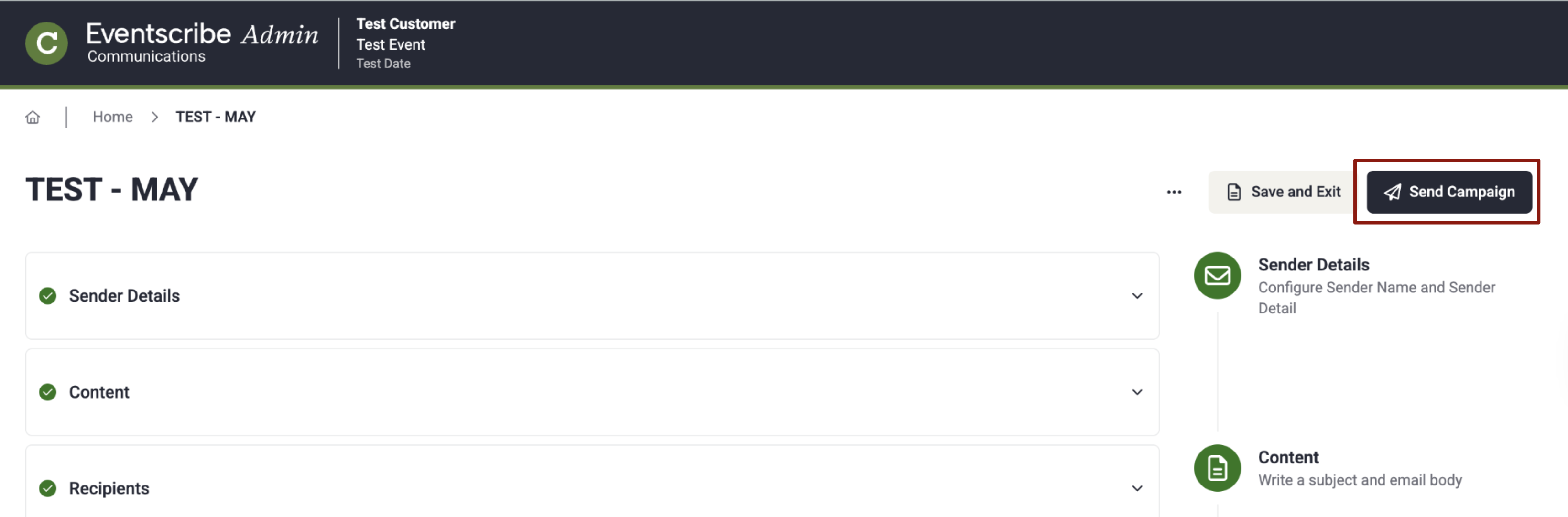
Fig. 1 - Send Campaign
NOTE
Campaigns are sent immediately — there is no scheduled delivery option. Once sent, a campaign cannot be recalled. Make sure your recipient group, subject line, and content are correct before clicking Send Campaign.
After sending
The campaign will appear in the campaign list with its corresponding status of either submitted, processing, sent, or failed.
Last modified Aug 17, 2026
Was this article helpful?
That’s Great!
Thank you for your feedback
Sorry! We couldn't be helpful
Thank you for your feedback
Feedback sent
We appreciate your effort and will try to fix the article