The Communications module lets you send targeted email campaigns to exhibitors to drive engagement and maximize participation.
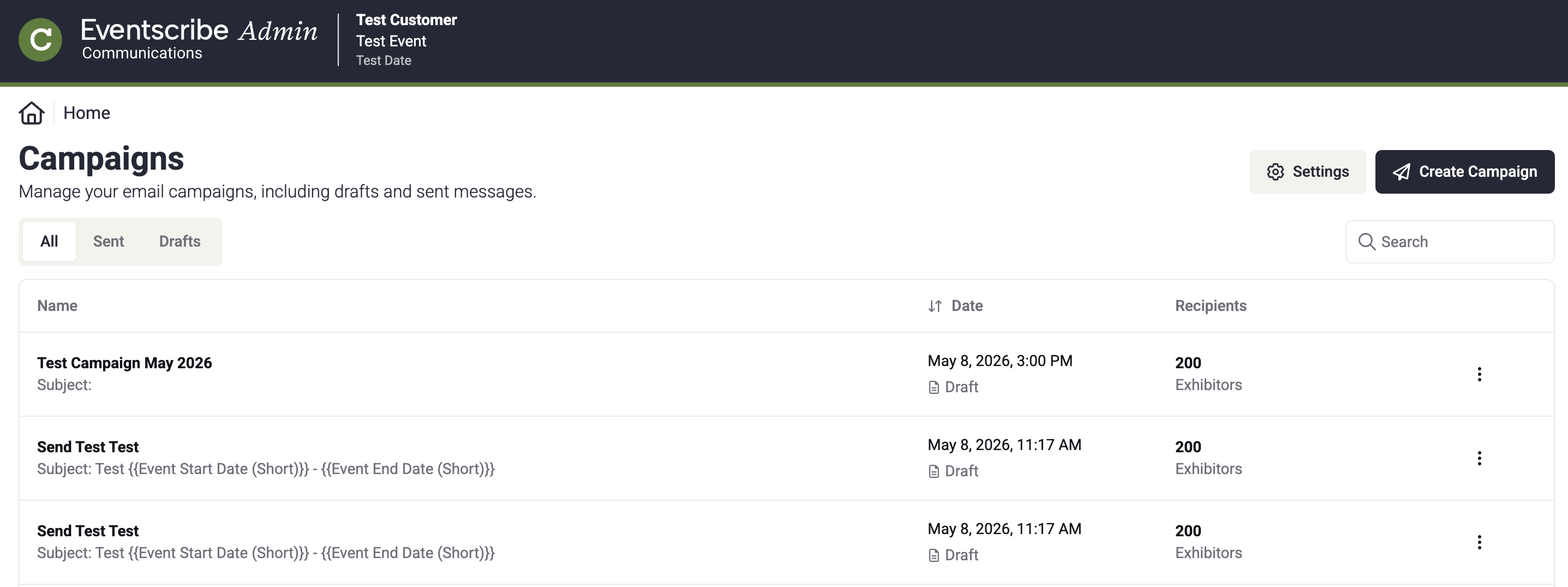
Fig. 1 - The Communications module main page
What you can do
- The Home Page — Browse, search, and filter all campaigns for your event.
- Creating a Campaign — Start a new campaign and work through the four-step editor.
- Sending a Campaign — Send your campaign to all recipients.
- Saving as a Draft — Save progress and return to it later.
- Settings — Manage sender emails, message templates, and your email banner.
How it works
The module is built around a four-step campaign editor — Sender Details, Content, Recipients, and Review and Test. Once you're satisfied with your campaign, you can send it immediately or save it as a draft to finish later.
Last modified Aug 17, 2026
Was this article helpful?
That’s Great!
Thank you for your feedback
Sorry! We couldn't be helpful
Thank you for your feedback
Feedback sent
We appreciate your effort and will try to fix the article