The process is straightforward. Once you provide us with the required information below, Cadmium will initialize your domain, and your designated contact will receive an email from SendGrid with step-by-step authentication instructions for your IT team.
Many Cadmium products support sending emails to your stakeholders and external contacts. By default, these emails are sent from noreply@gocadmium.com. If you'd like emails to come from your organization's own domain instead, that domain will need to be authenticated through our email delivery platform, SendGrid.
How It Works
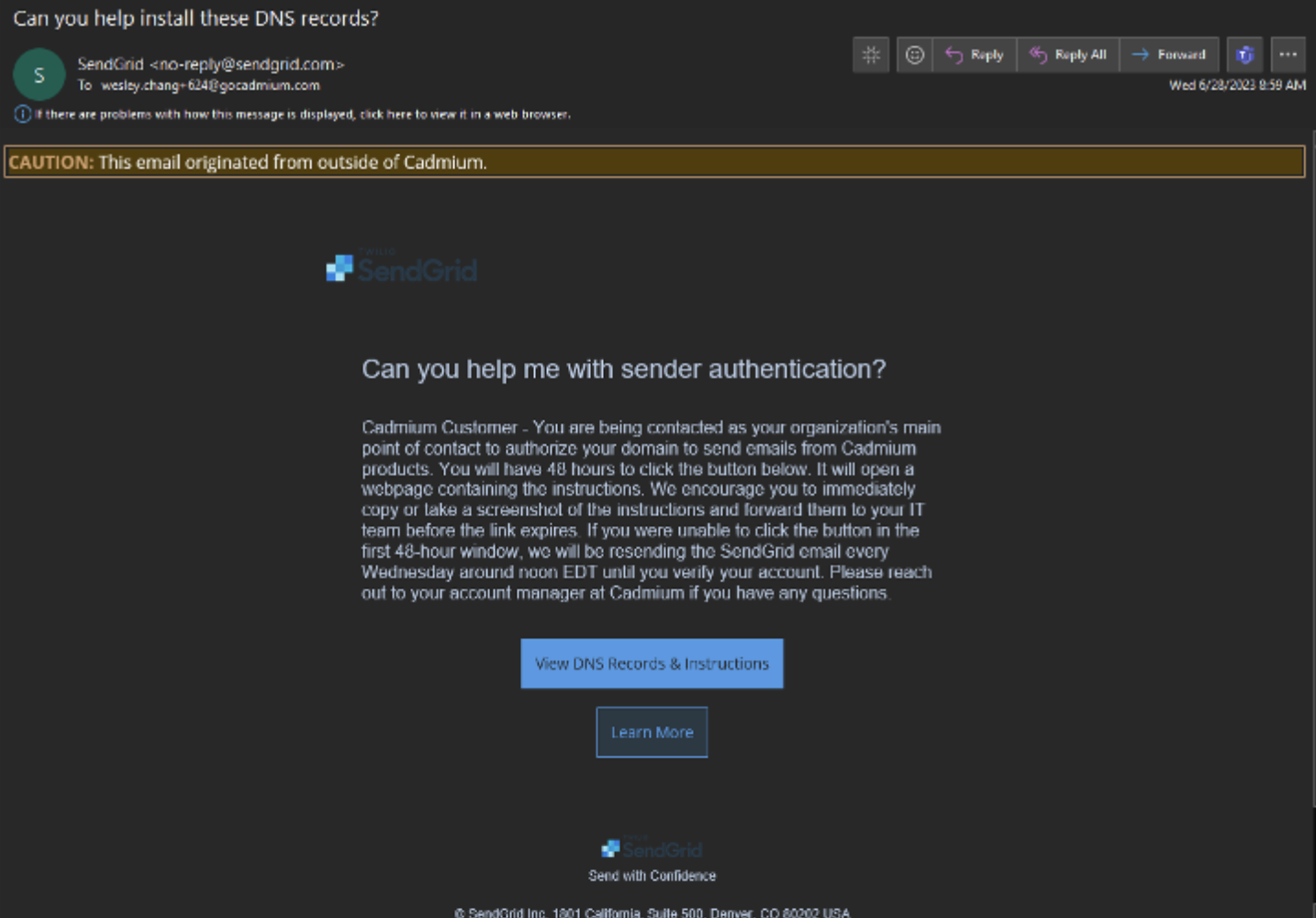
What we need from you:
- Domain name(s) — The domain(s) you'd like to send emails from. Multiple domains are supported.
- Contact person — The name and email address of the person at your organization who should receive the SendGrid authentication instructions.
NOTE
If your organization uses an SPF record, we recommend adding spf.gocadmium.com to it. While this isn't required, it is considered best practice. Please consult your IT team to determine what is right for your organization.
Last modified May 15, 2026
Was this article helpful?
That’s Great!
Thank you for your feedback
Sorry! We couldn't be helpful
Thank you for your feedback
Feedback sent
We appreciate your effort and will try to fix the article