The event organizer can configure the Help & Info settings in the Lead Capture Admin Portal by navigating to the Help & Info menu item on the Settings page.
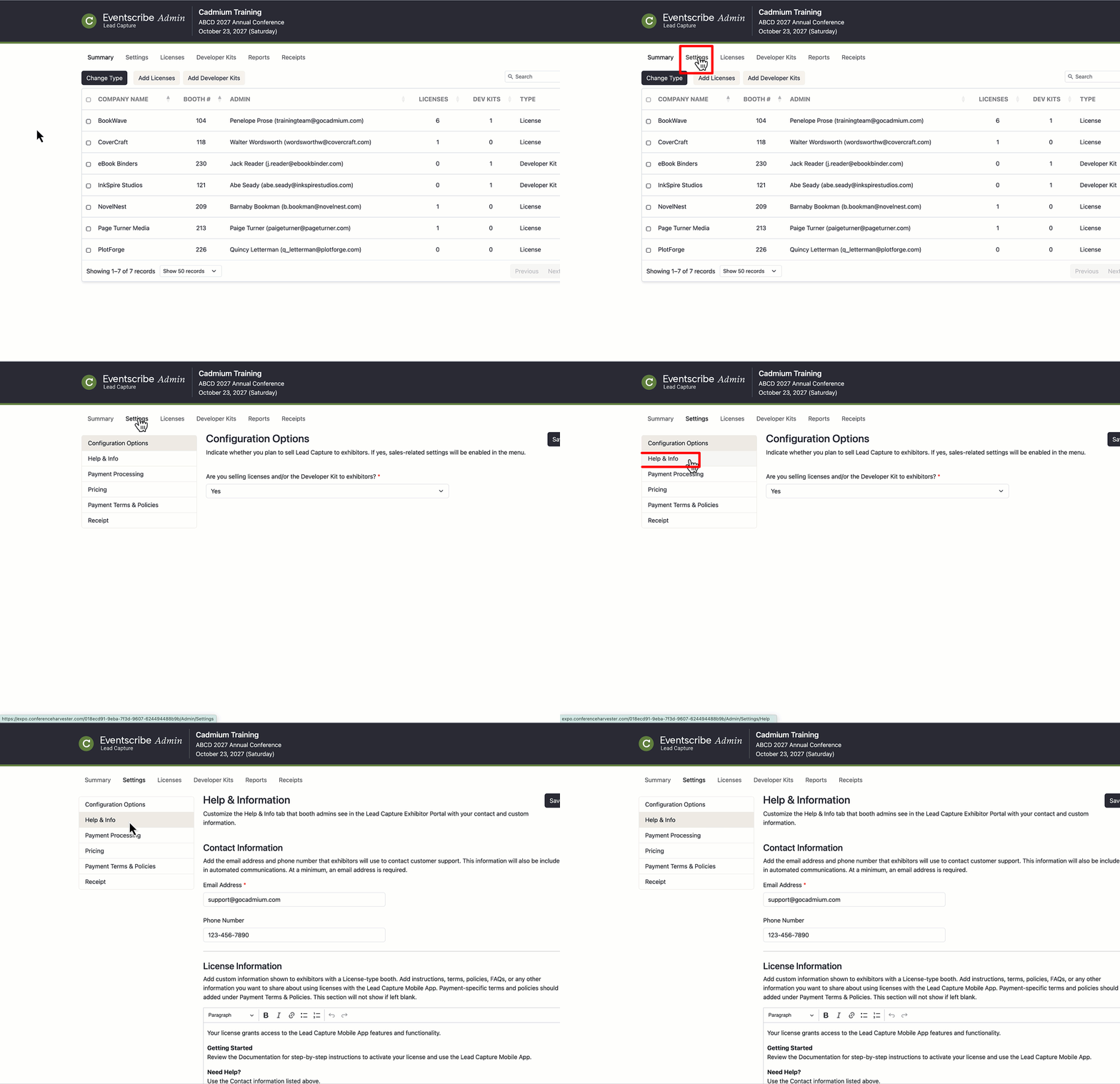
These settings control what booth admins see on the Help & Info tab in the Lead Capture Exhibitor Portal.
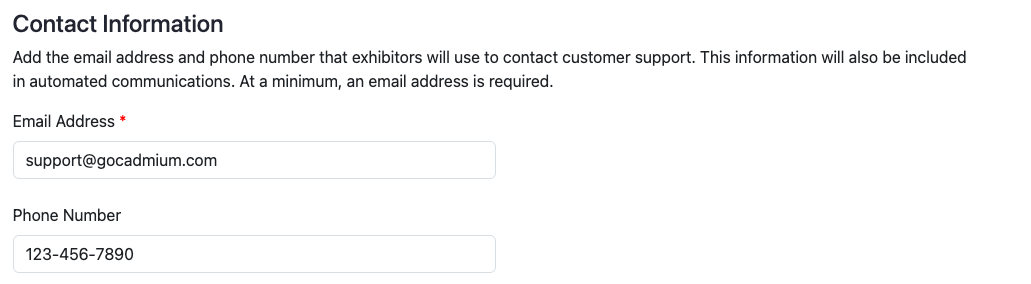
Contact Information
Enter the email address and phone number that exhibitors will use to contact customer support. At a minimum, an email address is required. If sales are enabled, this information is also included in the auto-generated order confirmation email.
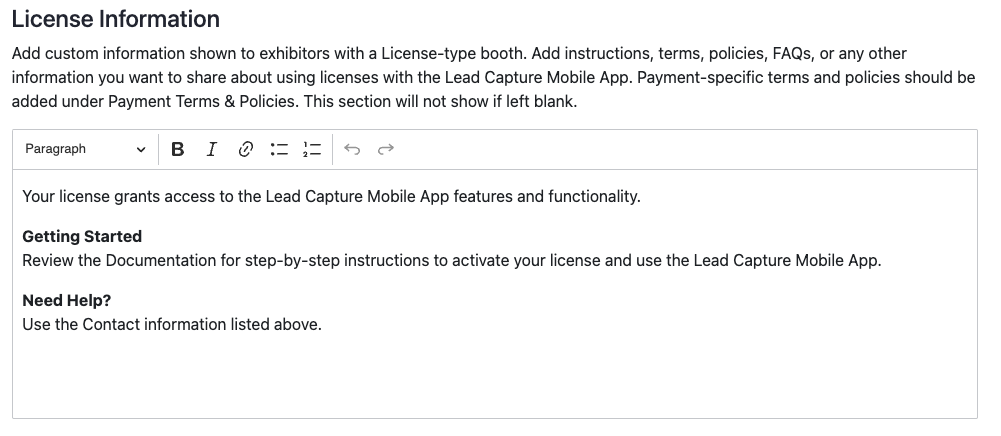
License Information
Add custom information shown to exhibitors with a License-type booth. Enter instructions, terms, policies, FAQs, or any other information you want to share about using licenses with the Lead Capture Mobile App. Payment-specific terms and policies should be added under the Payment Terms & Policies settings. This section will not display to exhibitors if left blank.
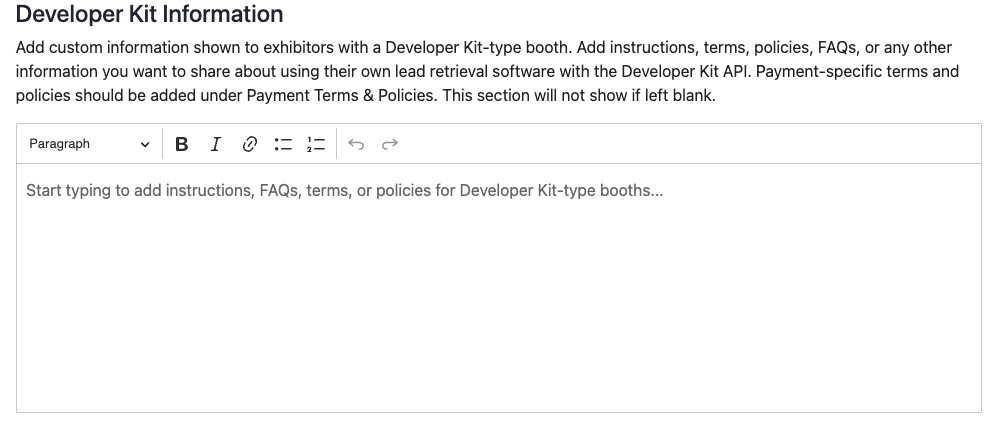
Developer Kit Information
Add custom information shown to exhibitors with a Developer Kit-type booth. Enter instructions, terms, policies, FAQs, or any other information you want to share about using their own lead retrieval software with the Developer Kit API. Payment-specific terms and policies should be added under the Payment Terms & Policies settings. This section will not display to exhibitors if left blank.
Last modified Jun 08, 2026
Was this article helpful?
That’s Great!
Thank you for your feedback
Sorry! We couldn't be helpful
Thank you for your feedback
Feedback sent
We appreciate your effort and will try to fix the article