Additional fields available during the custom data import of Harvester Presentation Content (Fig. 1). These fields allow you to set:
- Categories
- Product Types
- Remote Accounting Code
- Accounting Date
- Social Network Sharing Links.
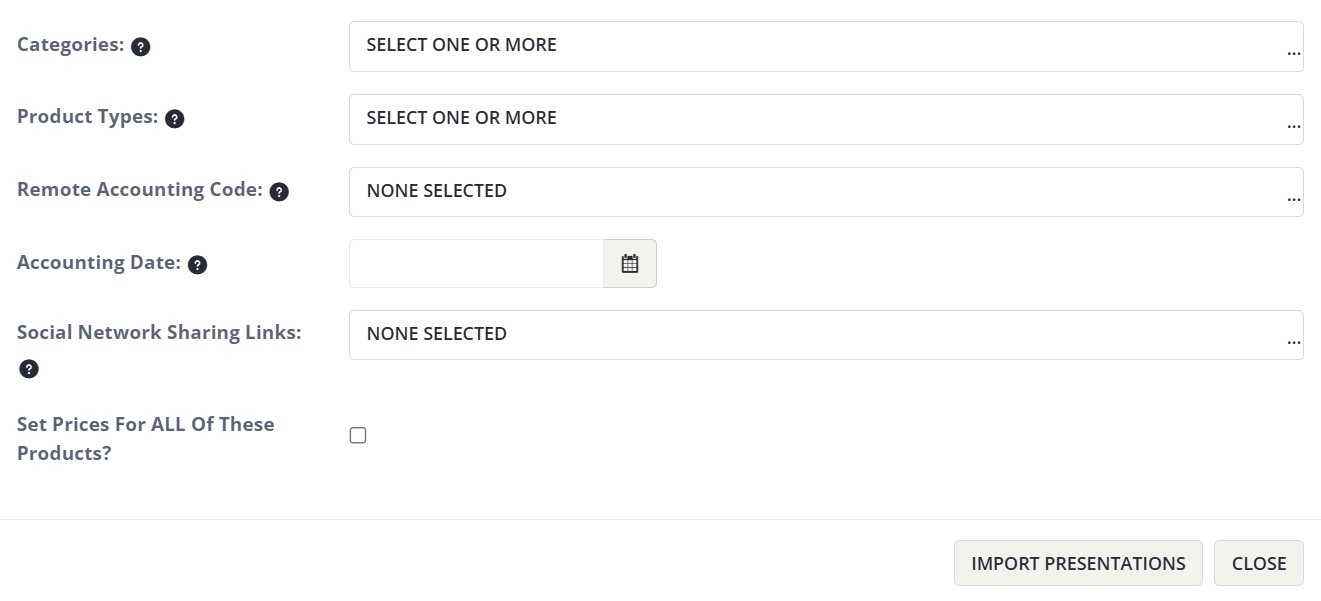
Fig. 1 - Fields Available in Custom Data Import.
For the steps on how to import data from your Harvester to Elevate please see the article, Importing Presentations from Education Harvester to Elevate LMS located in the Distributing Content To Your LMS folder.
Last modified Mar 02, 2026
Was this article helpful?
That’s Great!
Thank you for your feedback
Sorry! We couldn't be helpful
Thank you for your feedback
Feedback sent
We appreciate your effort and will try to fix the article